
Frequently asked questions.
Everything people ask us about QR codes, menus and plans.
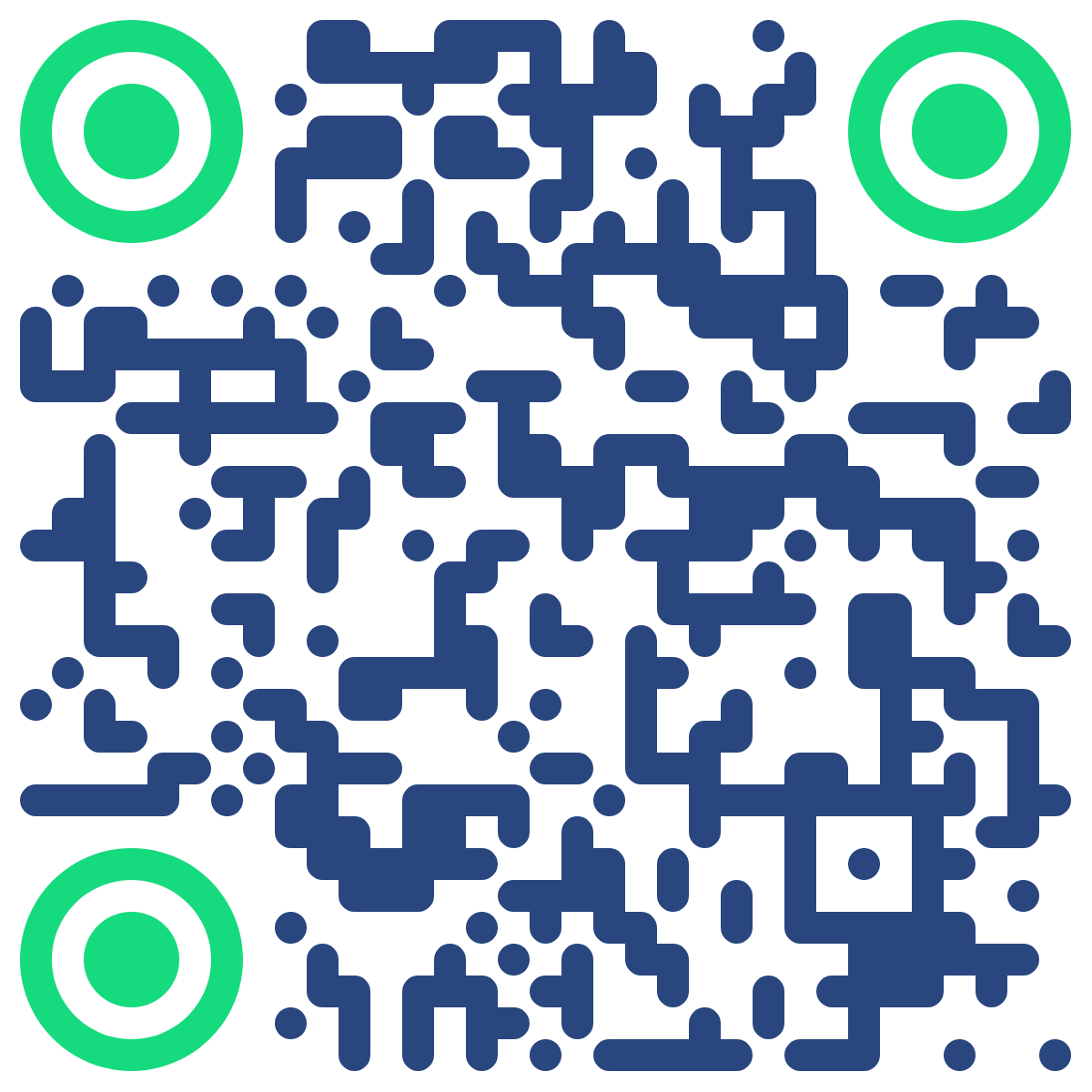
Real codes. Scan them.
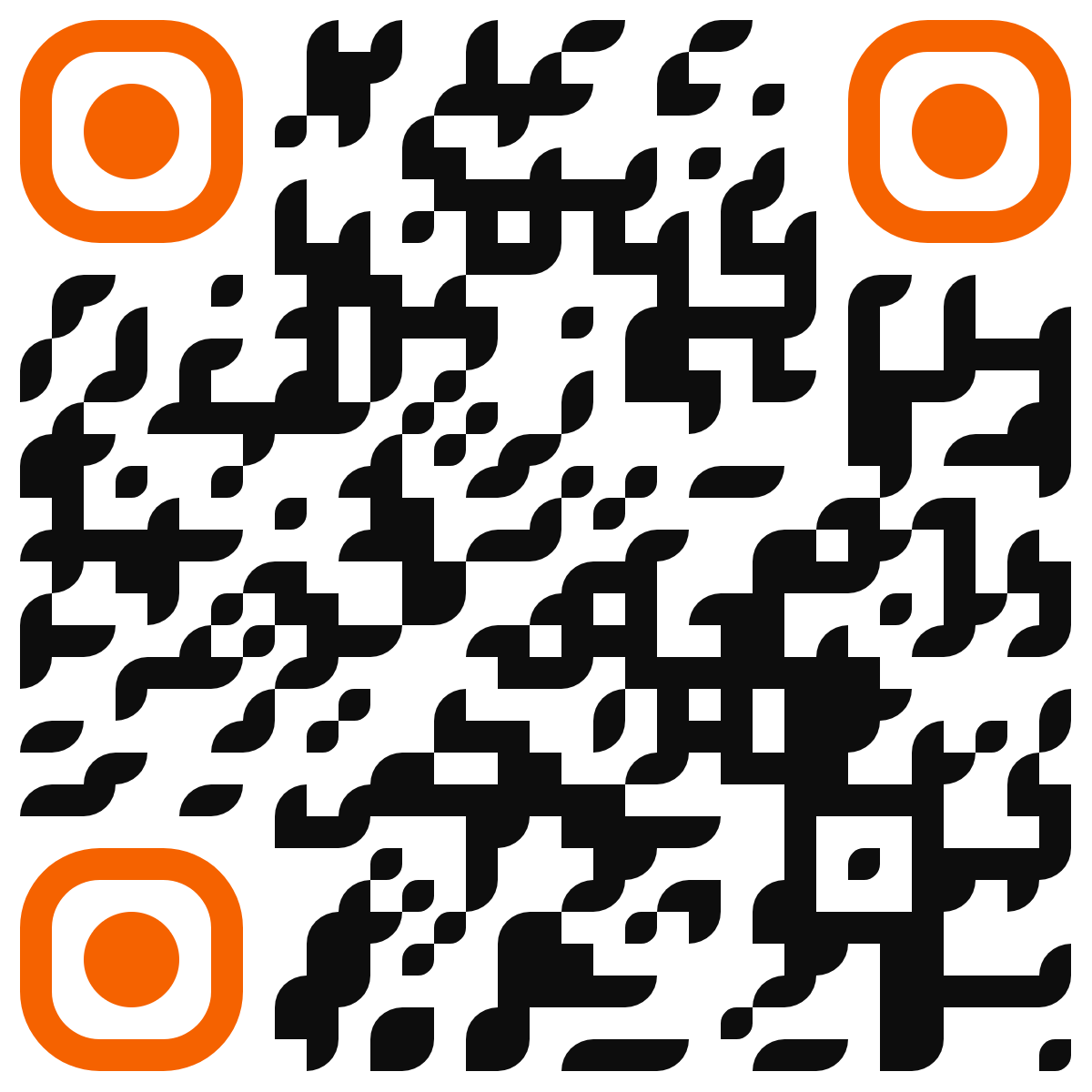
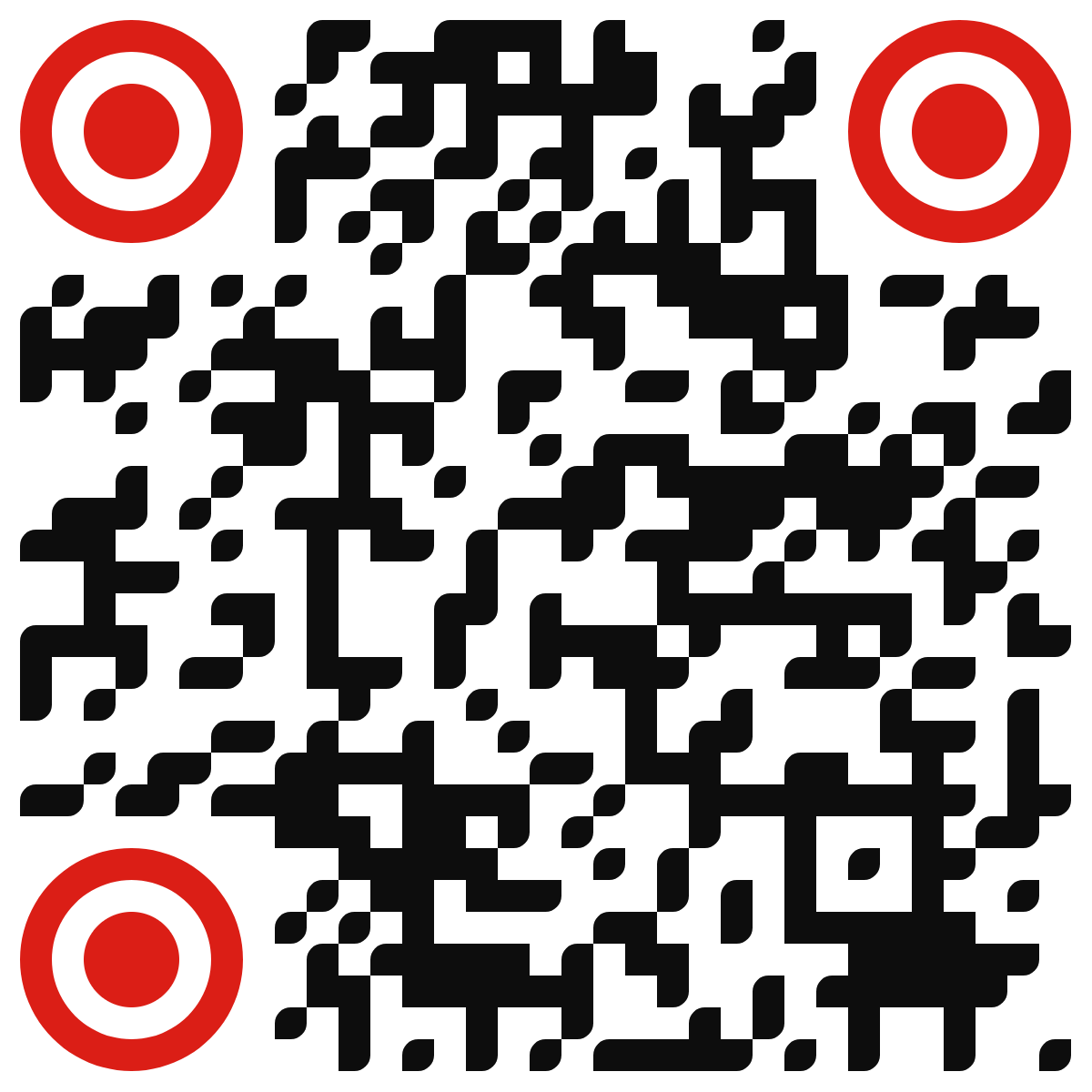
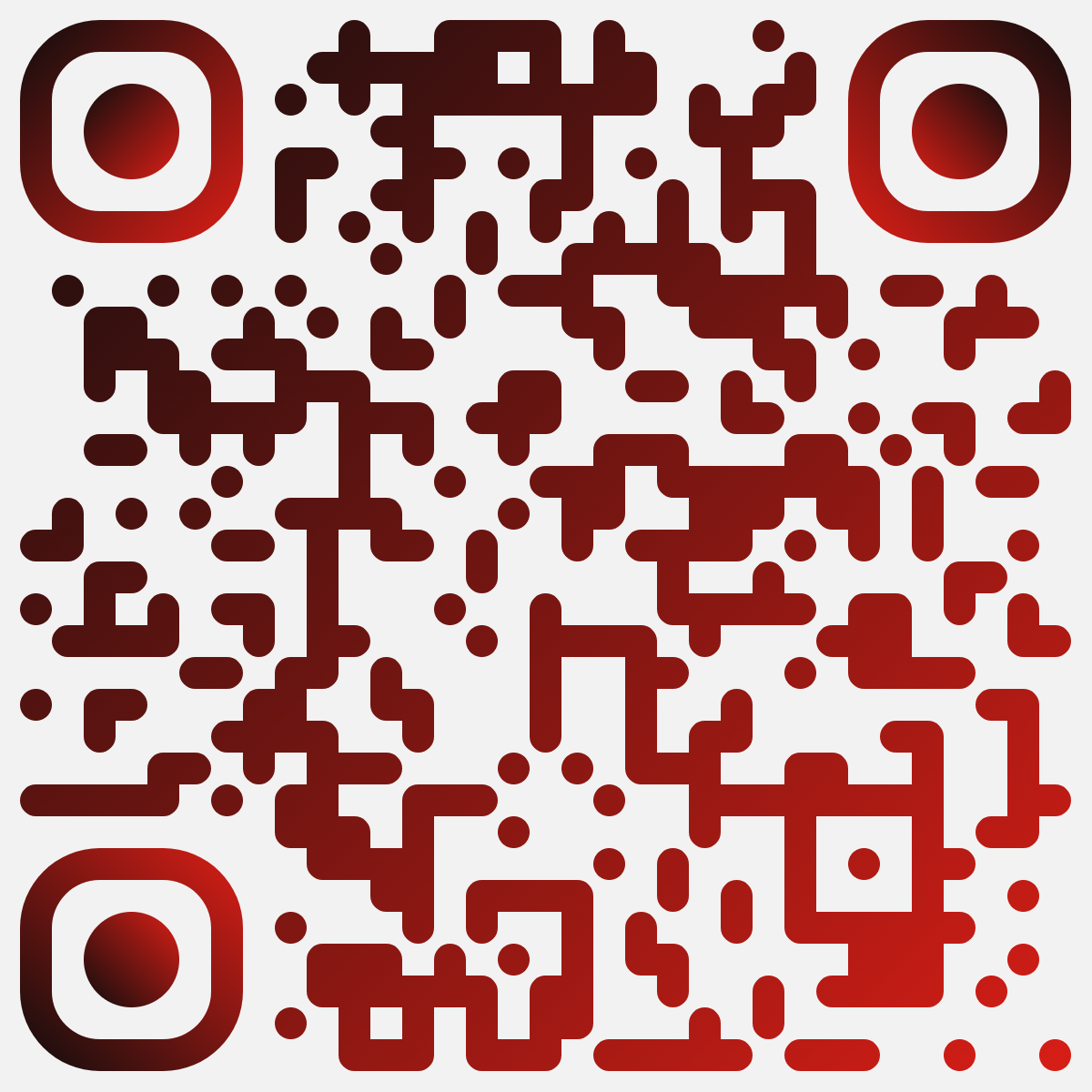
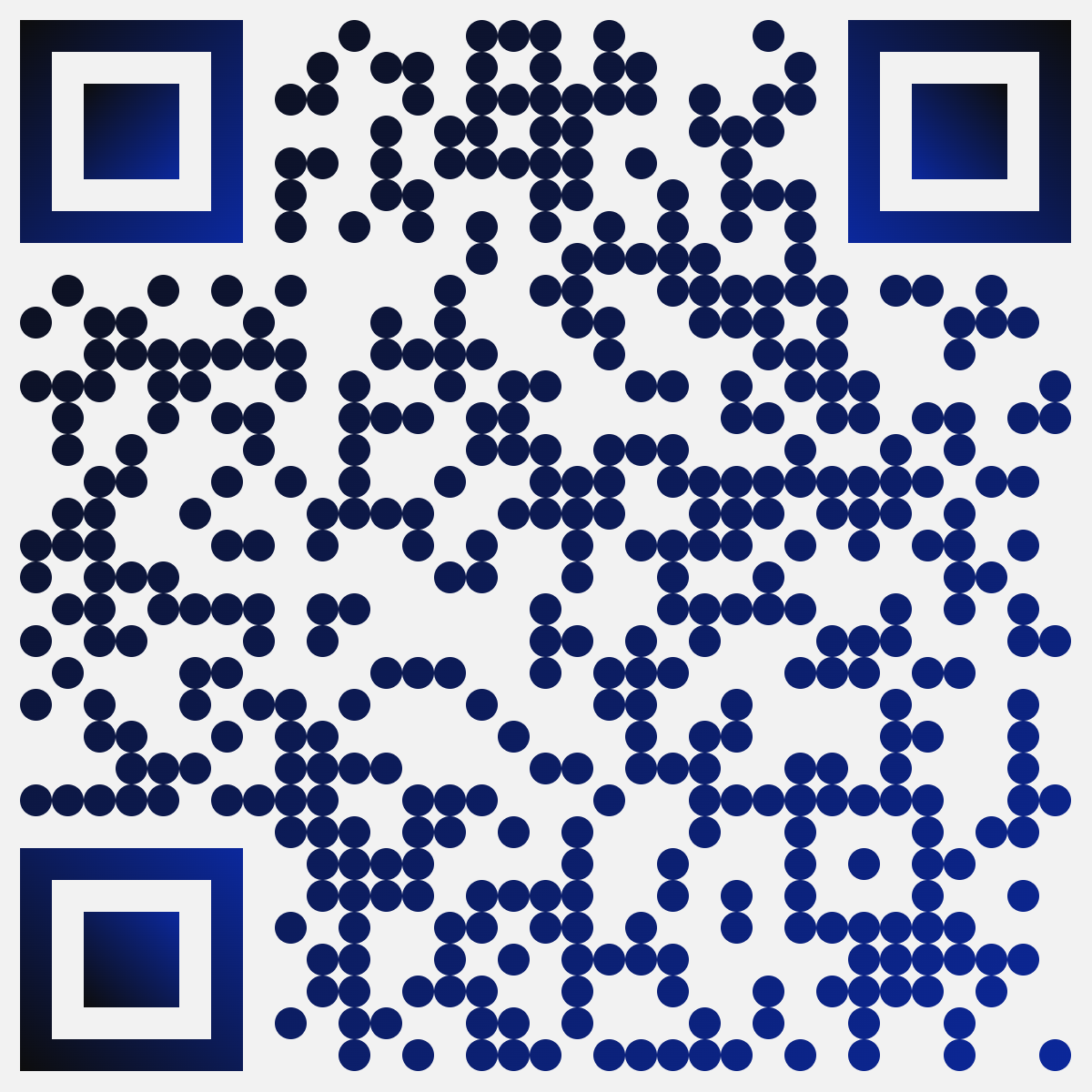
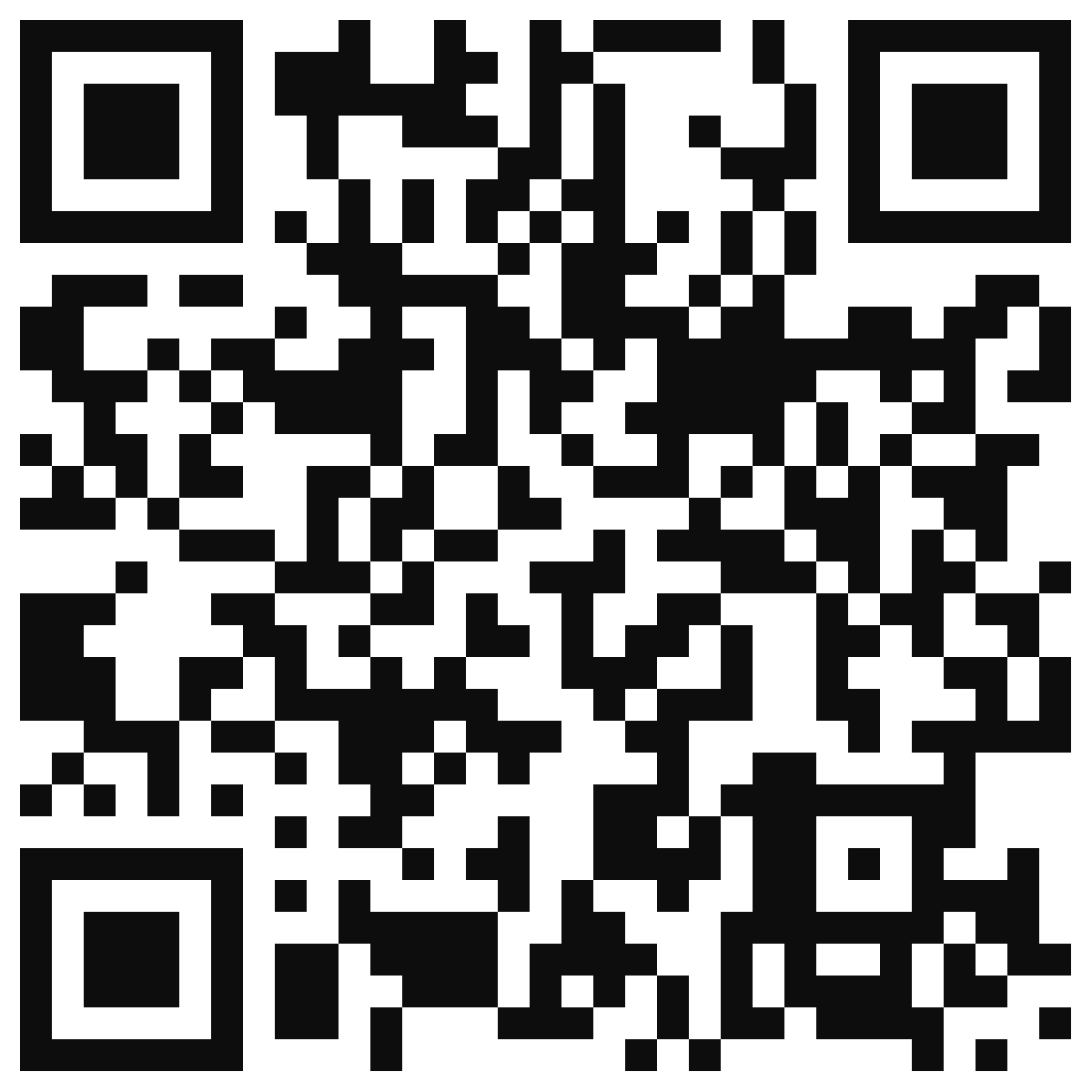
Point your phone's camera: each one opens a real website and was designed with QRP's color and shape options.
- +qrcodepages.com — Orange rounded eyes, flowing modules
- +rluquis.com — Red target eyes, black modules
- +alternogroup.com — Black-to-red gradient
- +voxesapp.com — Navy and green brand colors
- +uniqlist.com — Dots with navy gradient
- +alternoagency.com — Classic square black
Pages
+What is a Page?
A hosted mobile page at qrcodepages.com/your-name with your photo, cover, links, social media and contact buttons — like a link in bio, but yours, with its own QR code.
+How many Pages do I get?
Personal 1, Starter 3, Business 10, Agency 50 and Agency Plus 100. Restaurant products don't use Page slots.
+Can I change my Page address?
Yes. The old address redirects to the new one for 90 days, and your printed QR codes keep working because they point to the Page, not the address.
+Can I remove the QRP branding?
Yes, from Business and up.
+Can I use my own web address, like yourname.com/links?
Yes, on every paid plan, including restaurant plans. The quickest option: turn on the short address smlit.co/q/your-name in the Page editor. Send your own address to your Page with a redirect, or paste our code to show the Page inside your own website so your address stays. The editor guides you and checks that it works.
+Will my Page show on Google?
Only if you turn on "Allow search engines". Pages are hidden from Google by default.
Basics
+What is a dynamic QR code?
A QR code that points to a short link we manage. You can change where it goes after printing it, and every scan is counted.
+What is a static QR code?
A QR code that stores the content directly (a link, WiFi, contact…). It works forever and is free, but it can't be edited or tracked.
+Do I need an account to make a QR code?
No. The free generator creates static QR codes in your browser without signing up. You need an account for dynamic codes, pages and analytics.
+What can a QR code open?
A website, PDF or other file, photos, video, a digital business card, a phone call, WhatsApp, SMS, email, WiFi or a restaurant menu.
Editing & analytics
+Can I change the destination after printing?
Yes, with dynamic codes. The printed code never changes; you edit the destination in your panel and it updates instantly.
+What do the analytics show?
Total and unique scans, scans over time, approximate country and city, device, operating system and browser. You can export to CSV.
+Is the location exact?
No. It's approximate, based on the phone's internet connection. We never ask people who scan for GPS.
+Can I pause a QR code?
Yes. A paused dynamic code stops redirecting until you turn it back on.
Design & printing
+Can I customize the design?
Yes: colors, background, dot and corner shapes. Always keep enough contrast so phones can read it.
+What formats can I download?
PNG for screens and quick use, SVG for professional printing at any size.
+What size should I print it?
As a rule of thumb, at least 2 × 2 cm (0.8 in) for close scanning, and bigger the farther away people will be.
Restaurant menus
+Which restaurant package should I choose?
Menu is $99 USD/year for menu viewing, Pro is $199 USD/year with WhatsApp and panel orders, and Tables is $299 USD/year with orders and individual table QR codes. All are billed annually per restaurant and are available to purchase. Pro and Tables include up to 5 menus for that restaurant, not licenses for 5 different restaurants.
+Are guest orders paid online?
No. Both WhatsApp and panel orders are paid in person at the restaurant. QRP charges the restaurant for its software subscription, not the guest for food. The restaurant must enable ordering, monitor its channels and confirm orders. Guests must send the prepared WhatsApp message; opening it is not delivery or acceptance.
+Does Menu include table identification or ordering?
No. You can print the shared menu QR on every table, but it does not identify individual tables. Pro and Tables include ordering; only Tables includes individual table QR codes. A WhatsApp contact button on Menu is not order submission.
+Are dish photos included?
Yes. Menu, Pro and Tables all allow one photo per dish, up to 5 MB per photo.
+How do restaurant renewals and cancellation work?
Restaurant subscriptions renew annually until cancelled. The workspace owner can cancel from Manage billing before renewal; cancellation takes effect at the end of the paid period. Plan changes are prorated in the billing portal. Printing and physical table signs are not included.
+How does the restaurant menu work?
You build the menu in your panel (categories, dishes, prices, photos), print one QR, and update the menu anytime without reprinting.
+Is the menu bilingual?
Yes. Each dish can have Spanish and English text; the guest's phone picks the language automatically and they can switch.
+Does a menu count as one of my dynamic QR codes?
No. Restaurant Menu is its own plan per restaurant and doesn't use your QR plan's dynamic codes.
+Are scans limited?
No. QR scans are unlimited on every paid plan, under fair use. What has a monthly allowance is visits to pages we host for you: Pages, contact cards and file pages share one monthly pool per account (2,000 on Personal up to 60,000 on Agency Plus). Bots, link previews and your own team don't count, and exceeding the visit allowance alone does not shut pages off: we notify you at 80% and 100%.
+Is there a visit limit?
Menu includes 5,000, Pro 20,000 and Tables 30,000 valid menu visits/month per restaurant. These share a separate restaurant pool in your workspace, based on subscribed quantities, not per menu or table. Scans are unlimited; alerts at 80% and 100% do not block service or add automatic charges when visits exceed the allowance.
Plans & billing
+Can I add just one more dynamic QR?
Yes. Any paid plan can add extra dynamic QR codes for $6.99 each. Each one renews automatically every 24 months until you cancel, and adds to your plan's limit.
+Free generator or free account: what's the difference?
The free generator needs no account: you make a static QR and download it, nothing is saved. A free account saves and organizes your codes, and for the first 30 days includes 1 dynamic QR and 1 Page with scan stats. No card needed.
+What happens after the 30-day free trial?
Your account stays free with unlimited static QR codes saved in your panel. The dynamic QR and the Page are paused, not deleted; pick a plan and turn them back on with one click.
+How much does it cost?
Static QR codes are free. Paid plans start at $29 a year. See the pricing page for every plan.
+What happens if I cancel?
Cancel from Manage billing; cancellation takes effect at the end of the paid period. Static codes keep working forever. Dynamic codes and hosted content need an active plan; after a downgrade you have 30 days to adjust excess dynamic QR capacity before the newest excess codes are paused.
+Can I change plans?
Yes. Upgrades and downgrades are prorated from your billing page.
+Do agencies get Restaurant Menu included?
No. Agency plans cover dynamic QR codes for many clients; each restaurant menu is billed per restaurant.
Teams & privacy
+Can my team use the same account?
Yes. Invite people as owner, editor or viewer. Each workspace's data is kept separate from every other customer.
+Do you collect personal data from people who scan?
We record anonymous technical data (approximate location, device type) to show analytics. See our Privacy Policy for details.
Still have questions?
Create a free account and try it yourself.